Ready to see Keep Aware in action?
Schedule a personalized demo today and see how Keep Aware can protect your organization's biggest workplace.


Your employees are already using AI. The question is whether your security team can see it.
There's a conversation happening in boardrooms and security operations centers right now, and it goes something like this: "We need an AI policy." The problem is that by the time most organizations finish writing that policy, the behavior it's meant to govern has already been happening for months inside the browser, outside the visibility of any existing security control.
GenAI didn't arrive via a corporate procurement process. It arrived in a browser tab.
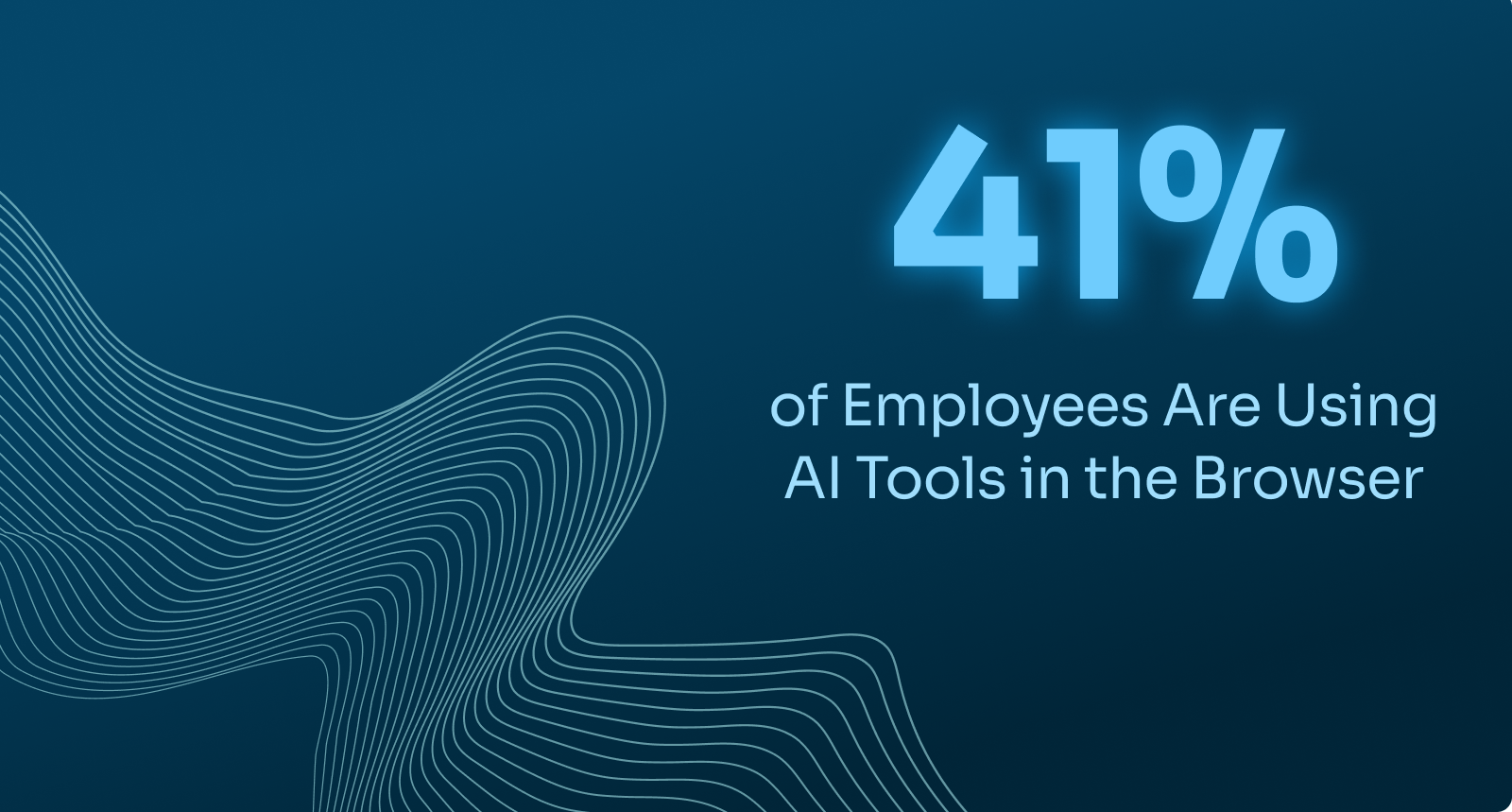
According to our new State of Browser Security Report 2026, 41% of end users interacted with at least one AI web tool through the browser over the course of 2025. That's not a pilot program or an early adopter cohort; it's nearly half your workforce. And those users aren't just using one tool. The average was 1.91 AI tools per user, suggesting that GenAI usage has diversified well beyond ChatGPT into a sprawling ecosystem of writing assistants, code co-pilots, summarization tools, and AI-powered search.
But the more revealing figure isn't adoption, it's how employees are accessing these tools.
Over a one-month analysis period, 58% of AI prompt inputs were sent through personal accounts, compared to just 42% through corporate accounts. Read that again: the majority of AI interactions happening in the browser right now are taking place outside your identity infrastructure, outside your policy boundaries, and outside your visibility.
This isn't negligence. It's human behavior. Personal AI accounts are often faster to set up, unrestricted by organizational controls, and feel more private. Users aren't trying to cause incidents and are just trying to get work done. But the security implications of that convenience are significant.
Text-based prompts are one thing. File uploads are another.
The report found that 15% of AI prompts included uploaded content — documents, spreadsheets, source code, and presentations. That may sound like a small percentage, but the composition of those uploads tells a more serious story: 46% of files uploaded to AI tools were sent to personal AI accounts.
Nearly half of all AI file uploads are going somewhere your organization cannot monitor, govern, or retrieve.
Uploaded content is categorically richer than typed prompts. A user typing a question into ChatGPT might expose a rough idea. A user uploading a document exposes everything in that document: metadata, structure, proprietary data, and all. And when that upload goes to a personal account, it leaves the organization's control entirely.
The headline number from the GenAI section of the report is this: up to 12% of AI prompt inputs involved sensitive information, including personally identifiable information (PII), protected health information (PHI), financial records, internal corporate data, and developer source code.
That number rises sharply when file uploads are isolated. 22% of AI prompts that included file uploads contained sensitive data. Users aren't just asking general questions; they're actively sharing internal materials with AI tools.
The answer is structural. Network controls inspect traffic at the perimeter. Endpoint agents look for malicious files and processes. Email security scans attachments and links. None of these were designed to observe what a user types into a web form, pastes into an AI prompt, or uploads to a SaaS tool, particularly when accessed through an authenticated browser session.
The browser is where the data moves. It's also been the place where enterprise security has the least native visibility. The report's findings come from anonymized telemetry collected across real production environments, which means this isn't a threat model. It's a description of what's already happening.
It's tempting to frame this as a training failure. But the near-even split between corporate and personal account usage for sensitive inputs (54% corporate, 46% personal) reflects how knowledge workers actually operate, moving fluidly between work and personal contexts in the same browser, all day.
Corporate SSO doesn't stop someone from opening a new tab and logging into a personal ChatGPT subscription. And destination-based blocking doesn't help either. As the report notes, sensitive uploads to personal accounts often involve the same platforms as corporate usage, just accessed outside corporate identity. The risk isn't the application, it's the account.
Get visibility before you write policy. You cannot govern what you cannot see. Browser-native visibility into AI tool usage, account context, and data classification at the point of interaction is the prerequisite for everything else.
Stop treating personal account usage as a training problem. The data shows this behavior is too widespread to be fixed with awareness campaigns. It requires technical controls at the browser session layer.
Prioritize browser-level controls for file uploads to GenAI tools. Deploy browser-based detection that flags or restricts sensitive file uploads before they reach personal GenAI accounts, where exposure risk is highest. Pair this with point-in-time awareness prompts that surface an in-context nudge when a user attempts to upload sensitive content, reinforcing acceptable use boundaries at the moment the behavior occurs.
Read the full findings, including data on browser-based phishing, malicious extensions, and emerging extension risks, in our new State of Browser Security Report 2026.
80%+ of the workday happens in the browser, and that's where modern attacks now land. Request a demo to see Keep Aware in action.